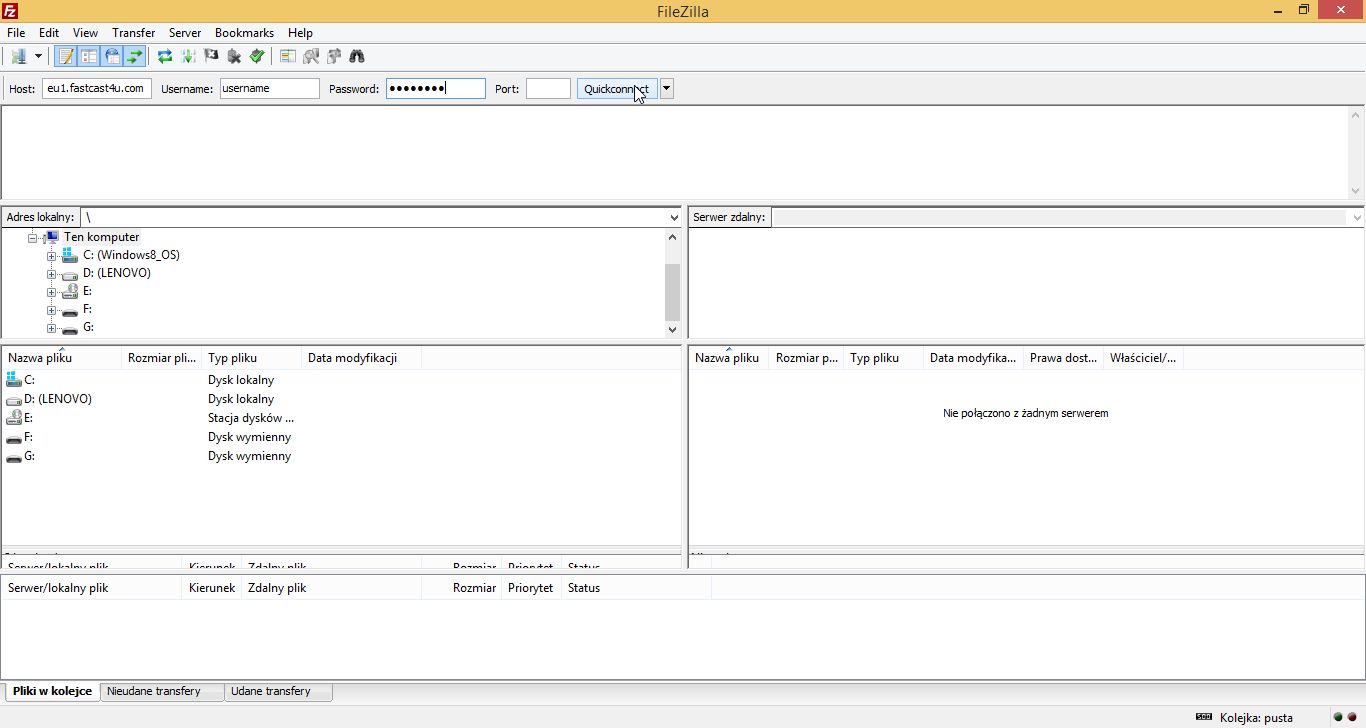
Centova Cast panel has an in-built file managed but you can upload files quicker by using FTP software like Filezilla.
Watch this video tutorial or follow the instructions below to learn how to configure your FTP software and upload files to the server
Use the FTP CLIENT CONNECTIONS details from QUICK LINKS: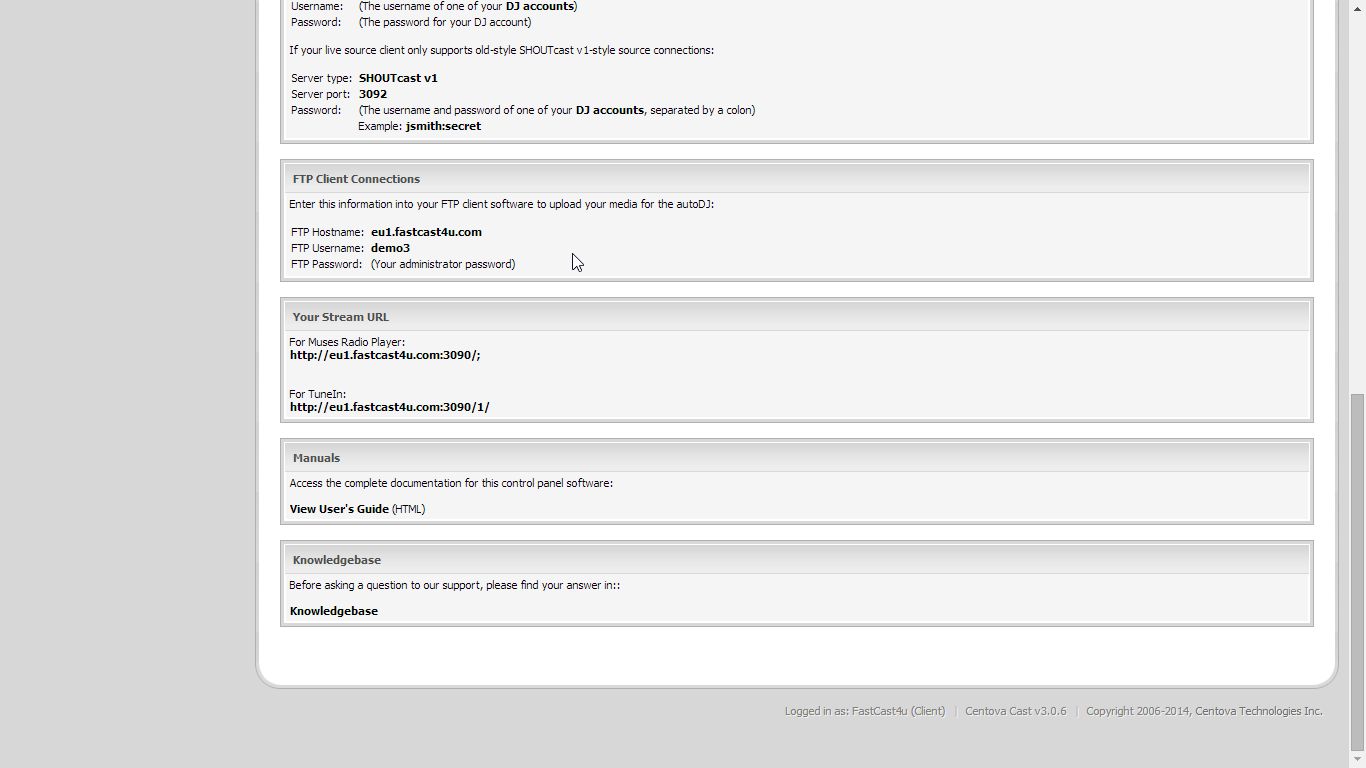
Enter a hostname or an IP number of the server (e.g. eu1.fastcast4u.com)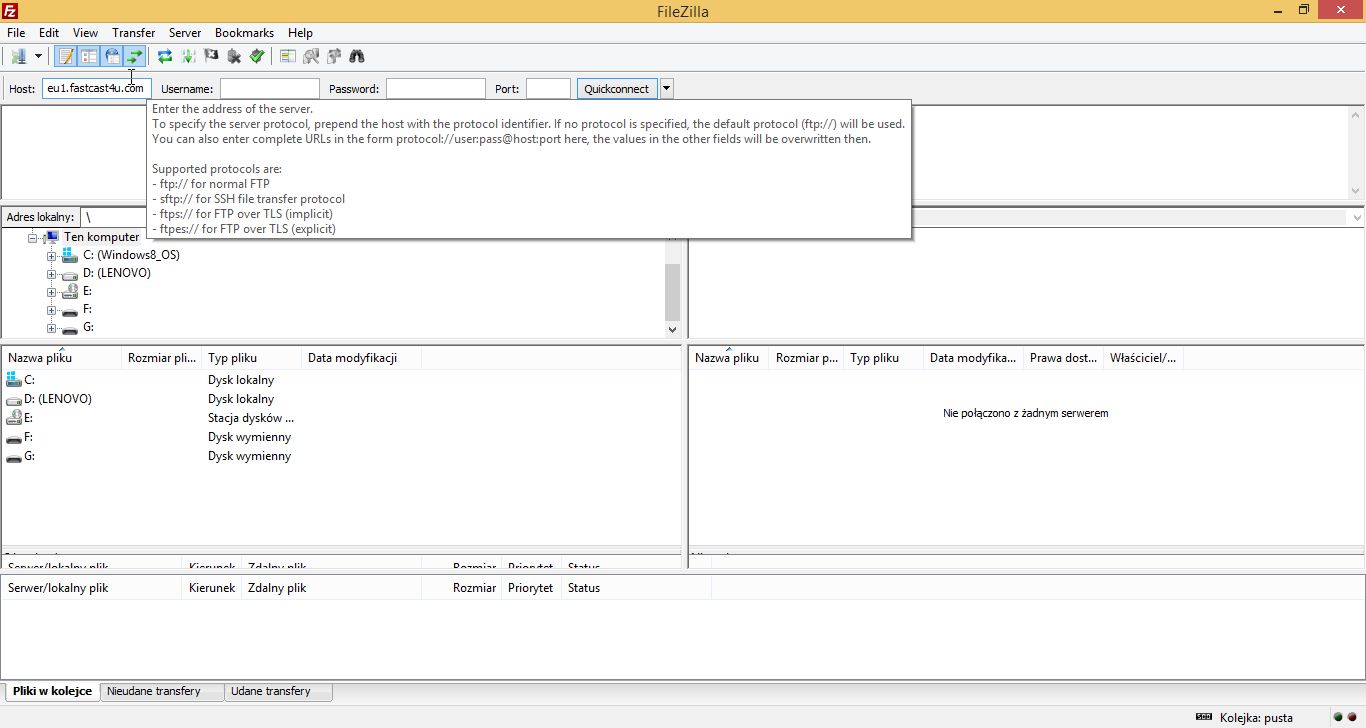
Enter your Centova Cast login username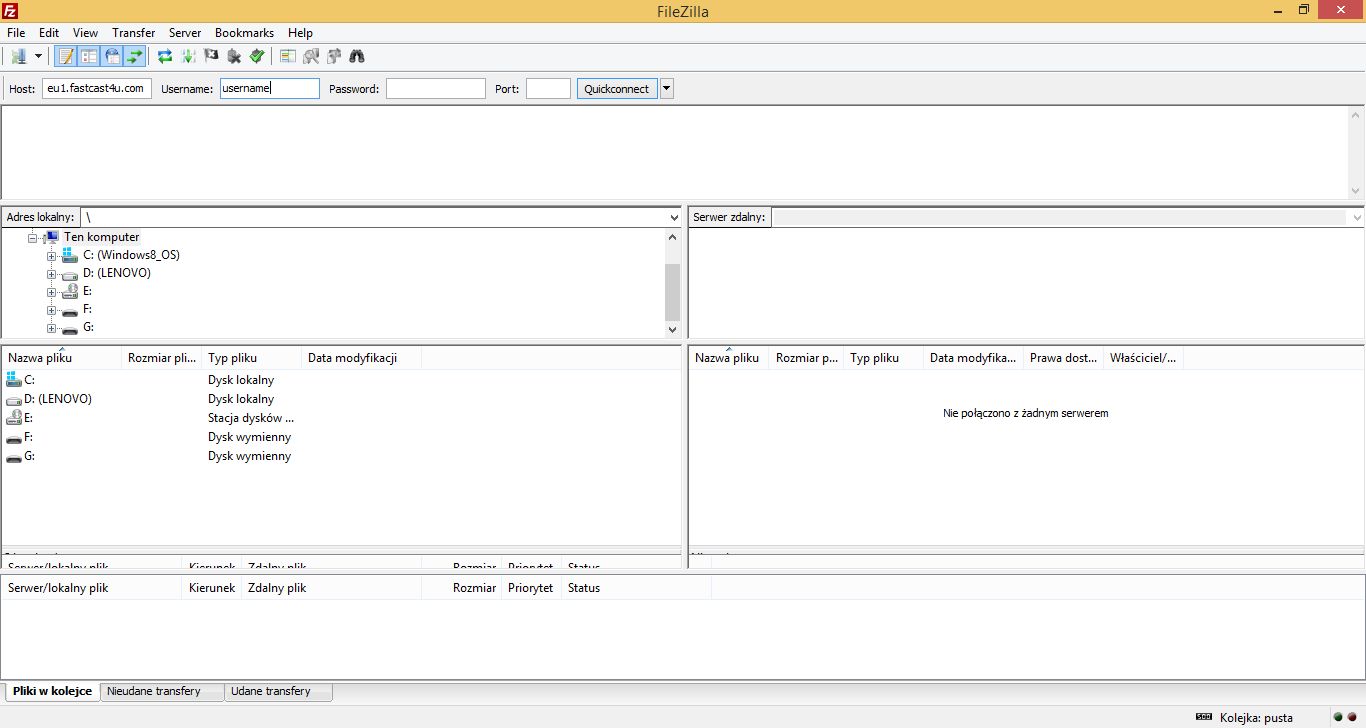
Enter your Centova Cast login password (also called as an administrator password, it can be checked in Settings of your Centova Panel).
IMPORTANT: Leave the port number blank or enter "21". Do not use the port number used for live broadcasting software.
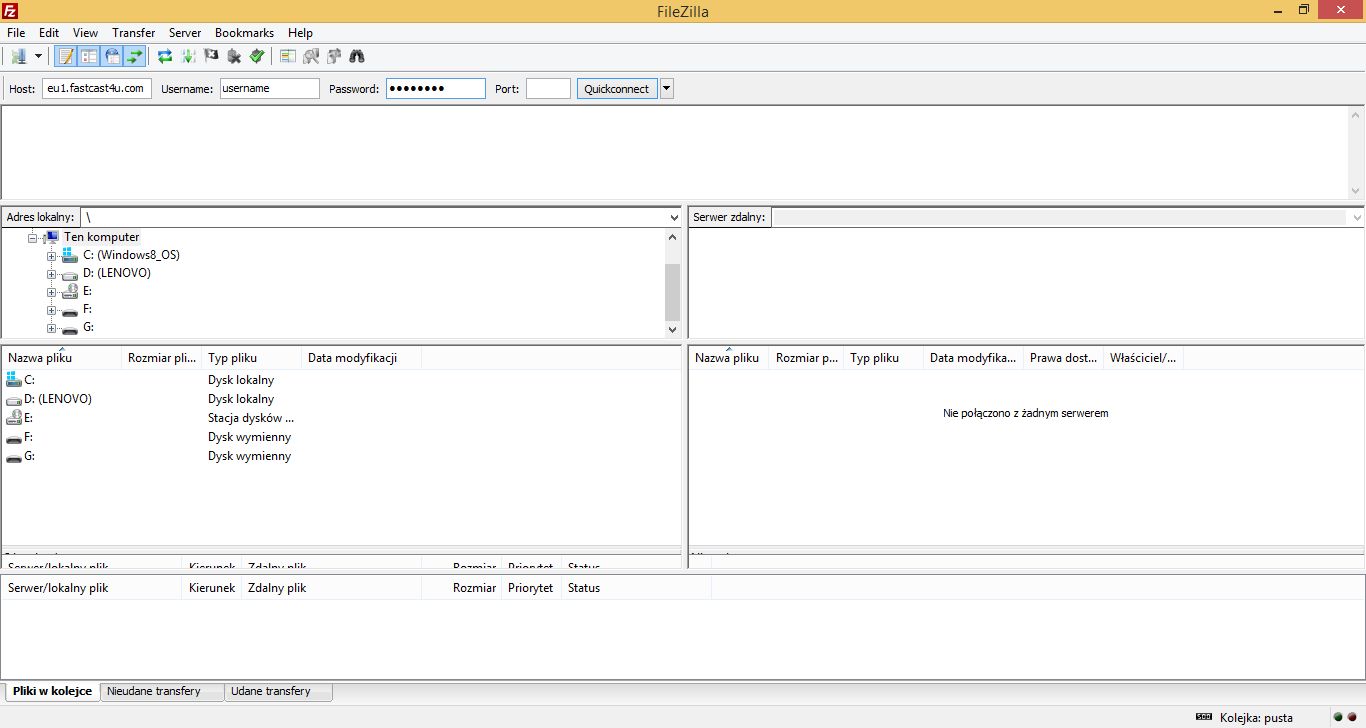
Click Quickconnect, your FTP software should connect to the server